Have you ever lost your AutoCAD open dialog box? When you save or open a drawing, you don’t get the file dialog box, only this question at dynamic input or command line:
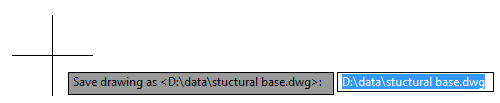
I had this question several times. I never experience this, but it looks like this is a common issue. I found many similar thread in some AutoCAD forum. This thread is an example.
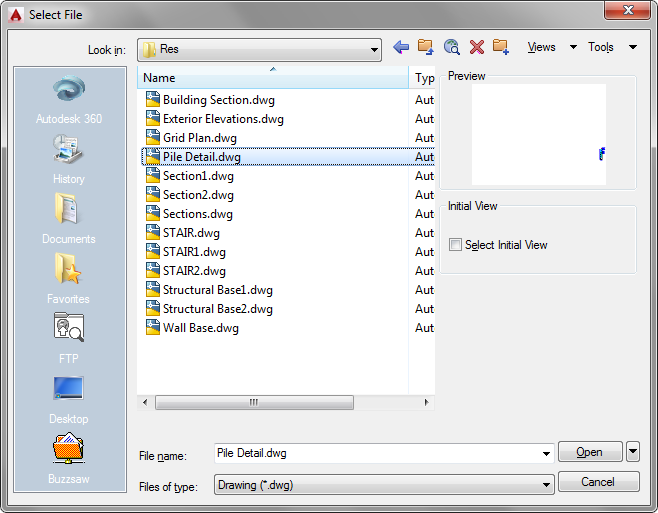
When AutoCAD ask us to open a file, either DWG file or other file type, we should see dialog box similar to this.
Enter name of drawing to open <.>: plan.dwg
Some of them said that the dialog box is missing after their computer hang or freeze. I suspect they were running some LISP or program when it happened. Or cancel poorly written LISP without error trapping.
Somehow, an AutoCAD system variable has changed. To restore it is easy.
Type FILEDIA then [enter].Enter 1 as new value, then [enter].


thank you so much!!! it worked :)
This saved my day.
Thanks I needed this today!!