As a new AutoCAD user, you might found that AutoCAD has a lot of commands. Not to mention changing the system variables. Some (well, many…) of them have to be activated from command line.
It is very difficult to remember all of them. Even for experienced users. Don’t worry, you can just type first one or two characters, and cycle between those commands!
For example, type ‘la’ to find out what commands started with them. Press TAB, keep pressing for several times. You will see the commands cycling in dynamic input (or command line).
Update: If you use AutoCAD 2012 or newer, you can use AutoComplete command. Read the details here.
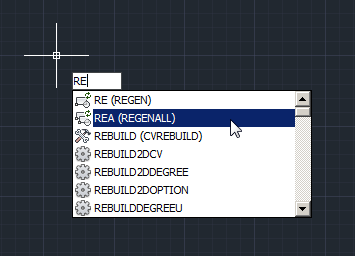
Now you can guess how to activate the command from command line by typing several first characters then press TAB!


