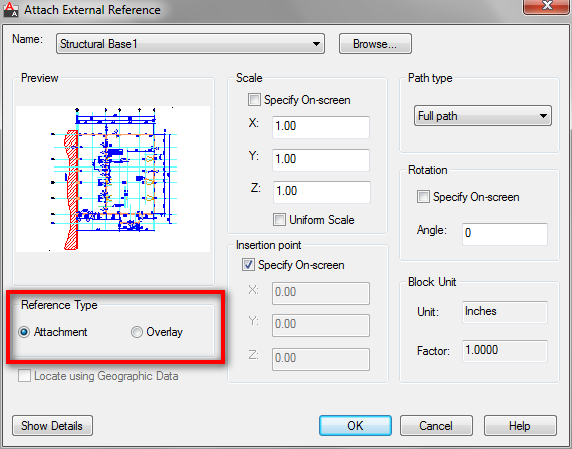
I get this question about reference file: what is the advantage of using XREF as overlay and using XREF as attachment? The explanation in AutoCAD documentation should be clear enough. However, if you still feel it’s not clear enough, let us discuss it here.
The difference between attached and overlaid reference only can be seen when you use nested reference. It means you use reference file in a drawing, then your drawing is used as reference file in other drawing.
Overlaid Reference
As its name, we use this option as underlay. When we are working in our drawing, sometimes we need to use other drawing as reference. We might use it for positioning our drawing elements, or simply just to see how the other drawing/design will affect ours.
For example, the architect want to see how their building plan would fit the site design. The architects drawing will be used by the structural engineers who don’t care how the site design would affect the architectural design. They don’t want to see the site design in their structural drawing. Then the architect should use overlaid xref. So when the structural engineers use the architect drawing as reference, they will only see the architect drawing. They will not see the site design, even the architect use the site drawing as reference.
Attached reference
Attached means it becomes a part of your drawing. When you use attached xref, then anyone who use your file as attachment will see the drawing too.


Pls help. I don’t know what “constrain objects in the drawing file to the insertion point” means.
So, I’m not understanding this sentence. “You can only constrain objects in the drawing file to the insertion point on an Xref, and not its nested objects.” This came from the AutoDesk website you referenced in your tutorial on overlays vs attachments. Thx.