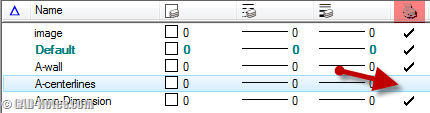
Do you want to exclude some MicroStation levels from plotting? Make them as non-plot level? Or do you want to exclude certain types of elements from plotting?
Archives for July 2011
AutoLISP: Filter selection with selection set
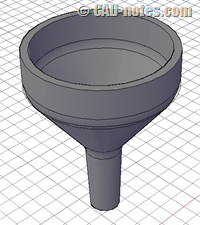
In this AutoLISP tutorial, we cover how you can exclude other objects in our selection. We create a simple program to move all dimensions to a certain layer.
AutoCAD tip: Text Alignment Technique
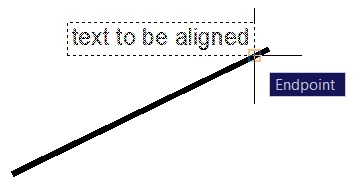
A quick AutoCAD tip to align your text to angled lines or other objects.
MicroStation 3D tutorial: Create solid by revolution
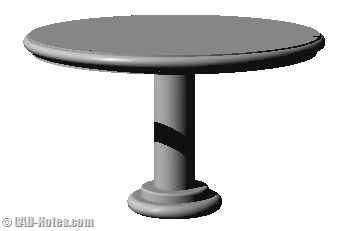
In this MicroStation 3D tutorial, you will learn to create solid object by revolving a 2D profile.
Revit Conceptual Design: Working with surface pattern

With Revit conceptual design, you can create more fancy curtain system. Instead of simple horizontal and vertical mullions. Learn to use surface pattern here.
Have a good laugh with Architext
Ok, this is not about AutoCAD, Revit, or MicroStation. Let’s forget how to use them for a while. Let’s have a good laugh with Architext.
Do you know how to use AutoCAD snap parallel?
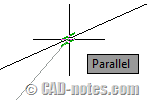
Snap parallel is probably rarely used. And you might not now how to use it, like I did. See how you can draw parallel lines relative to other geometry here.
AutoCAD 2012 block editor hotfix

An AutoCAD 2012 hotfix is available. This critical update will fix block editor corruption.


