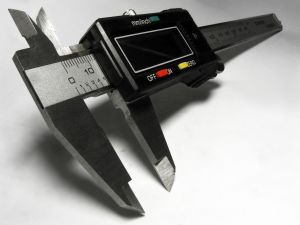
I posted about this issue a few years ago. Sometimes you just find that AutoCAD is loosing its accuracy.
Apparently this problem is still occur when you work very far away from your drawing’s origin. I found this accuracy issue in AUGI forum, using AutoCAD LT 2012.
This problem mostly happens for metric drawings, because we often have to use mm even for very large site. The only thing I can advice you is trying to draw as close as possible to origin.
I would like to hear your opinion too, how you prevent this happens.
Illustration: http://www.sxc.hu/profile/kliverap


question sir how can i accurately paste some block like kitchen blocks
if my drawing is in mm and my blocks (ctrl + v) is inch or feet
i dont know much in scaling factor
Have you tried this? https://www.cad-notes.com/2010/11/how-to-convert-autoc…