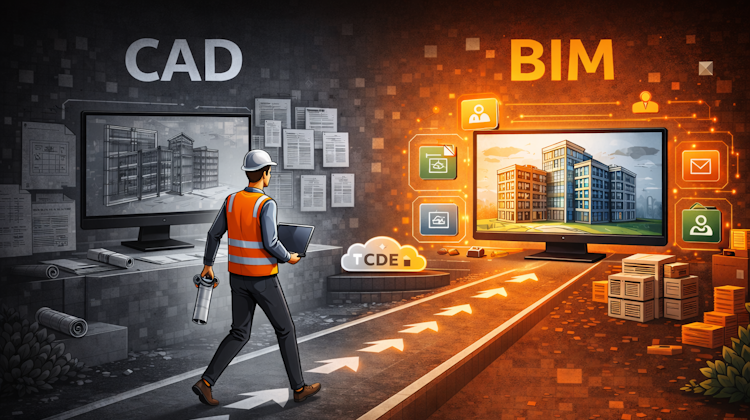
Many believe they have moved from CAD to BIM. In reality, they may have only changed software, not how information is managed. It’s a common misunderstanding: BIM is not about better drawings, it’s about managing information. This article explains what really changes, and what does not.
Featured
Latest articles
AI-Powered Rendering Now Available in Forma Board
Explore your design ideas with your team in Forma Board, and visualize it. Now powered by AI!
Autodesk Forma Is Not The New Name For ACC
Autodesk Forma is not just a rebranding of Autodesk Construction Cloud (ACC). In this article, we break down what Forma includes today, how it connects with tools like Revit, and what it signals about Autodesk’s direction toward a cloud-based, data-driven AEC platform.
Placing Views on Sheet Efficiently with Saved Position
You can align multiple views position on different sheets automatically with saved position in Revit 2026
Autodesk Forma: One Platform to Rule the AEC Lifecycle
Autodesk Construction Cloud is rebranding to Forma on March 24, 2026. Discover what these name changes mean for AEC workflows, the ‘One Platform’ strategy for the entire lifecycle.
Accessing Autodesk Docs Files from Windows Explorer
If you have Autodesk software installed on your computer, you may have noticed this icon in your system tray. That icon belongs to Autodesk Desktop Connector. a feature that plays an important role in modern CAD/BIM workflows. What Is Desktop Connector? Autodesk Desktop Connector is an application that creates a virtual drive on your computer, […]


