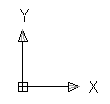
UCS is an AutoCAD productivity feature that we can use. You can use it to rotate your viewport or working with local coordinate.
AutoCAD Precise Input: Drafting Tools
You have learned how to precisely specify points by their coordinates. However, sometimes we need other methods to define points. There are some drafting tools that we can use to help us in specifying points. AutoCAD Object Snap Object snap is a tool that you can use to refer for a location from existing objects. […]
Using Template and Setting Your Unit
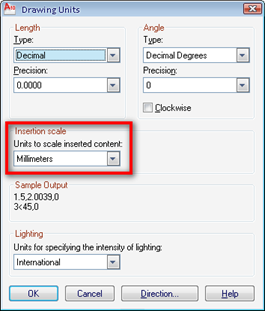
There’s not much in this tutorial. However, I consider this is very important part for the rest of the tutorial. I found most AutoCAD users never aware about using template. And worse, sometimes they just open existing drawing, erase the drawings, and use the existing styles and objects. Avoid this, since this will make your […]
Using AutoCAD Navigation Tools

AutoCAD navigation is a little different if you’ve never use CAD software before. Try this tip if you learn AutoCAD by yourself!
The Basic of Using AutoCAD Drawing Tools

Are you trying to learn AutoCAD by yourself? Here is a quick tip to start: how you can use AutoCAD tools.
Introduction to AutoCAD: the Interface
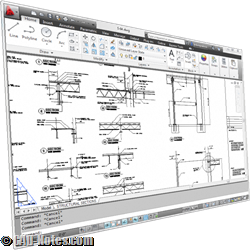
AutoCAD tutorial for beginners. In this article, you will be introduced to AutoCAD interface.


