
To celebrate CADnotes 8th anniversary, we provide this e-book for all readers. It is free. It covers how Annotation Scaling works and how to use it. We hope you will like it!
Screenshot: an AutoCAD screen capture utility
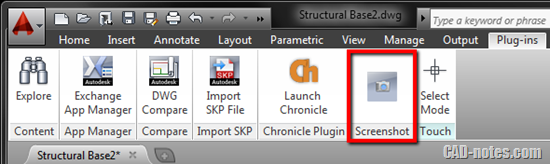
Do you need to quickly capture AutoCAD screen? You can make the AutoCAD background as white without changing display option!
How to speed Up AutoCAD: configuring AutoCAD (part 2)

AutoCAD has many new features that can make it very heavy for old computers. See what you can turn off to gain better performance!
Autodesk Official Training Guides: recommended books for learning

Looking for books to help you learn your Autodesk software? We recommend you Autodesk Official Training Guides! You have a chance to get them for free before 30 September 2012!
AutoCAD 2013 Service Pack 1.1 is now Available

Download this AutoCAD 2013 service pack to fix some problems you have. There are new variable to control LISP to enhance security too.
Hotfix: Autodesk sync error
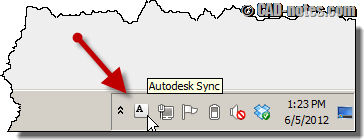
Hotfix available for persistently sync error in system tray. If you are using AutoCAD 2013 or other products that use Autodesk 360 sync, you should apply this hotfix.
Autodesk Exchange Apps Store is now available as website

Now you only need a browser to access Autodesk Exchange App Store. And not only for AutoCAD, you can get extension for Revit and Inventor too!
How to: add custom pattern to AutoCAD
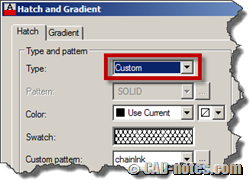
You can use your own AutoCAD pattern/hatch by embedding the pattern in acad.pat or add the pattern file into the support folder.


