Make your AutoCAD drawing looks fancy by using custom dimension arrow. Follow our guide here!
One AutoCAD dimension style, different appearances

You can have one AutoCAD dimension style to show different appearances. It can be different in linear and radial dimension, automatically!
Task 3: Add styles to your templates

3rd task in work with AutoCAD better. In this task we will add styles to our templates. Discuss it here!
Creating layer and styles with AutoLISP
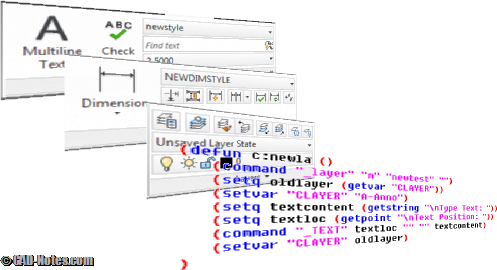
In this AutoLISP tutorial, we learn how to create layers, text styles, and dimension styles.
AutoCAD tip: remove alternate unit bracket in dimension
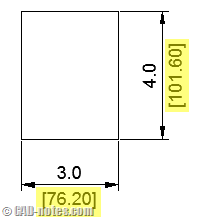
Do you ever wish to remove alternate units bracket in AutoCAD dimensions? Or you want to change the bracket to something else?
More Annotation Tools: Dimension
We have discussed about using text and cell to annotate our drawings. Let us explore further about annotation tools. This time, we are going to discuss how to use MicroStation dimension. Even if we create our drawings in exact sizes, plot it in certain scales, we still need to add dimensions. It doesn’t make sense […]
Enforcing Dimension Styles Across Your AutoCAD Drawings
This is how you can force your AutoCAD object to use certain style. Or force to change your style properties to match your CAD standard.


