
The layering system is the essential drawing management in AutoCAD. If you draw everything on Layer 0, you should start using layers properly now. We explain the benefits in this post.
Working with AutoCAD Layer Group Filter
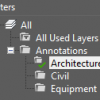
You can group layers with a filter. This could save time when you need to freeze many layers at once. Or see less layers in the drop down list!
How to combine layers to simplify your AutoCAD drawing

Do you need to combine/merge layers to simplify your AutoCAD drawing? We have this tip how you can do that!
AutoCAD macros allows you to do these easily

If you haven’t used any macro before, you might want to start using it after you see what it can do! These are a couple of cool samples!
Layer states are not saved in an AutoCAD session

You turn off/freeze XREF layers and save the drawing. But when you open the drawing again, the layers are still on. What went wrong?
3 ways to move AutoCAD objects to other layer
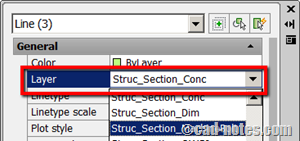
How can you move AutoCAD objects to another layer? There are several ways to do it. Let’s see 3 of them.
How to: Change referenced file layer properties in master file
Do you need your reference files to have different properties in your master file? Different color, line type, thickness, etc? See how you can do it here.
How to: Explode AutoCAD block to other layer
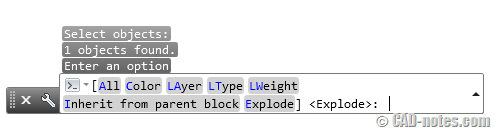
Do you want to explode block and set properties for exploded objects? Not only inherit all properties from their parent, you can set layer, color etc with this tool!


