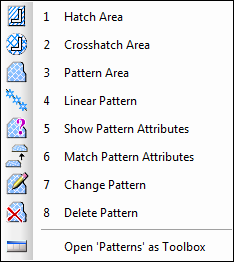
In this MicroStation tutorial you will learn to use more annotation tools. You will learn to use pattern.
Isometric Drawing in MicroStation
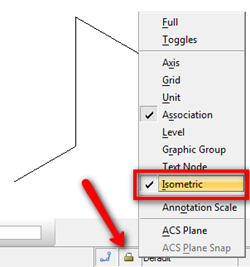
If you need to create isometric drawing in MicroStation, you are probably wondering how to do it easily. We are not talking about drawing the isometric in 3D model, but isometric diagram in 2D DGN. Open your MicroStation. Try to find the lock symbol in status bar, and click it. It is the active lock […]
Replacing and Modifying MicroStation Cell
After you’ve been working with MicroStation cell for a while, I’m sure you will be wondering how to modify the cell on your drawing… and how you can modify the cell in your cell library. Well, I guess the best practice in MicroStation is, you don’t change the cells on your drawings, but you replace […]
Creating MicroStation Cell
In this tutorial, we will learn how to create your own cell library and cells.


